Booking the Check Deal
Once all your check payment details have been saved, you can get the exchange rates for the payments and book the deal.
To book the deal
-
On the page, click the tab.
All of the check payments that you created are listed here. You can review the payments and, if necessary, make any required changes. For more information, see Reviewing and Editing Check Payments.
-
Click to get a live quote and display the resulting payment amounts. The timer indicates the amount of time you have to book the deal at the displayed rate.
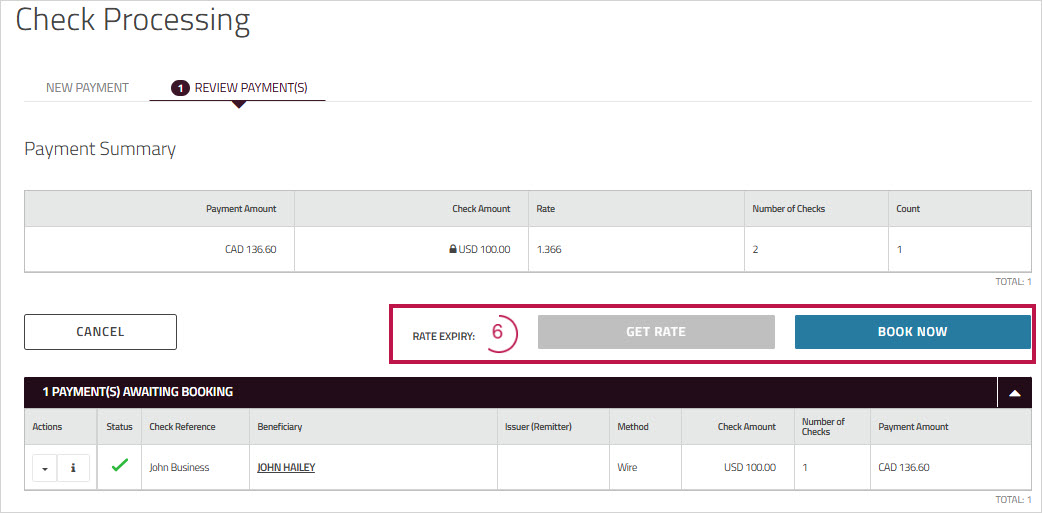
-
Click to confirm the rate and book the payments. A confirmation message appears.
-
Click to view the .
-
(Optional) Click the print icon at the top of the page to print or save the confirmation details as a PDF.