Using the Compliance Center
Whenever a payment is flagged because of a possible compliance issue it is added to the Compliance Center Queue and cannot be booked. An entry appears in the list on that indicates how many payments are awaiting compliance review and the Compliance Officers are notified by email that there is a case that needs to be reviewed. The Compliance Officer will review the case and choose whether to allow or block the transaction.
 See the video
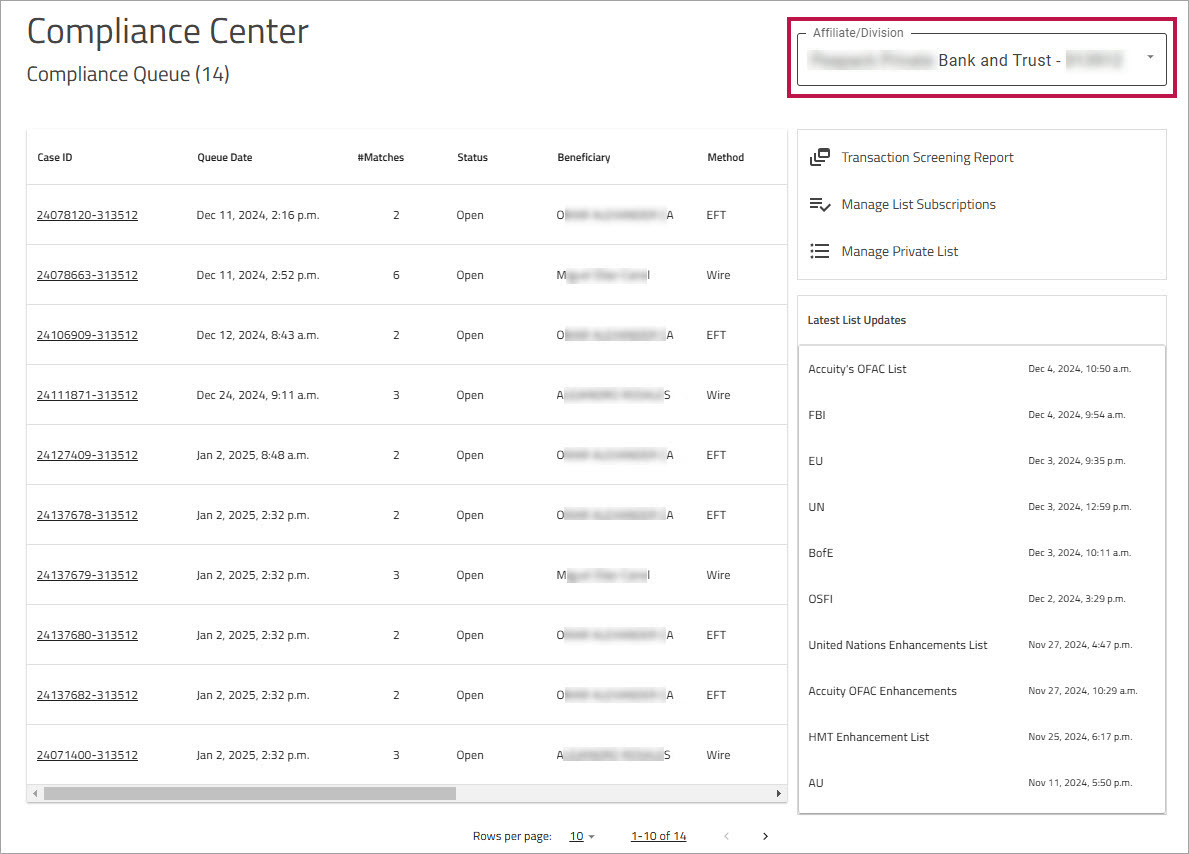
To access the Compliance Center, on , click . The displays all of the payments that have been flagged for Compliance review.
Filtering the Compliance Center display
If your organization is set up to use a parent-child hierarchy, you can filter the Compliance Queue to display cases linked to a specific child account. From the dropdown, choose the client whose cases you want to display from the dropdown. By default, all cases are displayed.
Note: If there are no child accounts, this filter is not displayed.
Reviewing a case
To review a case, in the , click the number to view details about the case. The case opens on the page where you can see details about the case and why it was flagged, including the fields that were flagged and the official lists that flagged them.
Transaction Screening Report
The Transaction Screening Report shows every screened payment that meets the specified search criteria (such as date range, Remitter, and Beneficiary).
For more information, see Transaction Screening Report.
Manage List Subscriptions
To ensure that you are complying with all the applicable anti-terrorist sanction programs for the countries where you do business, you need to subscribe to the applicable sanction lists.
Click to view the list of available sanction lists.
For more information see Manage List Subscriptions.
Manage Private List
The contains names that are under suspicion. Whenever names that are on the private list appear in a payment, they will not cause the transaction to be flagged for compliance. Names on the Private List will never be flagged again (unless their name is removed from the Private List by a Compliance officer who has permission to do so).
Click to view and manage the names on the Private List.
For more information, see Manage Private List.
Latest List Updates
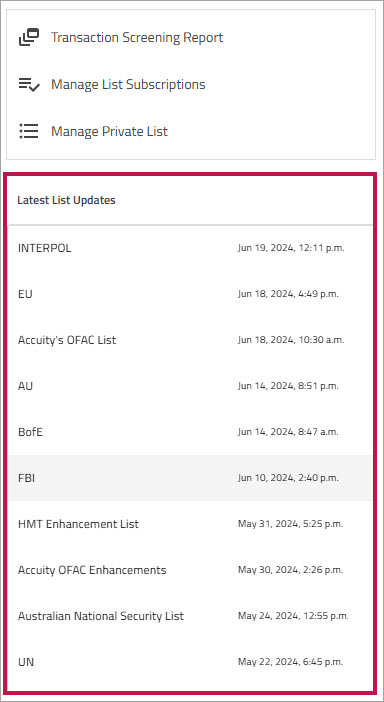
The section displays the date and time when each of your subscribed lists was last updated. The list displays the latest 10 updates, sorted from most recent to oldest.